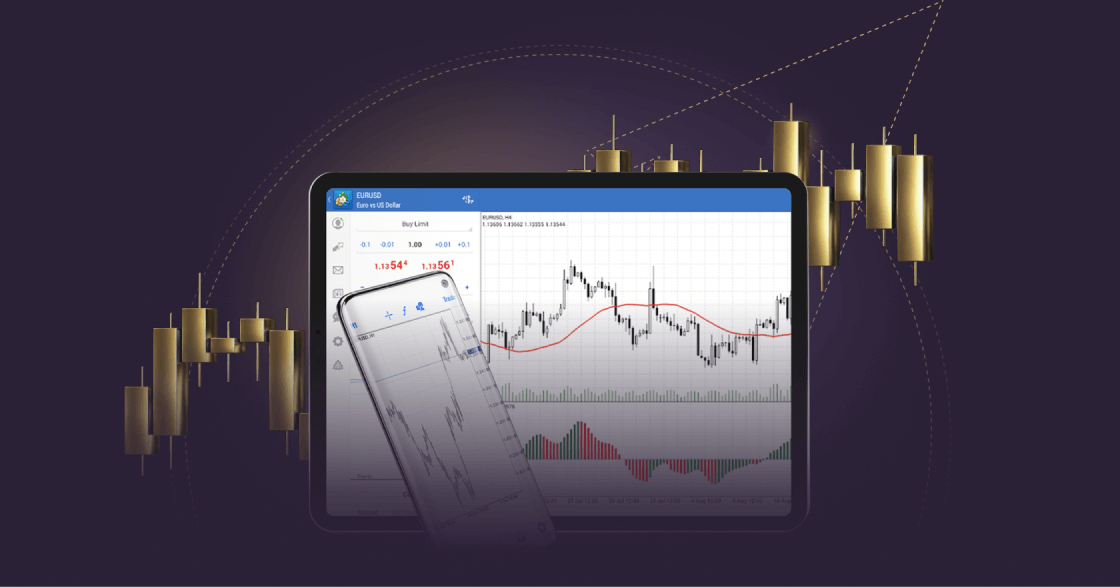
As mobile apps become increasingly popular for managing online financial activities, traders and investors are choosing to execute trades via their mobiles.
MetaTrader 4 on mobile is more convenient, offering traders real-time access to the financial markets on the go.
With MT4 for Android, traders can trade forex wherever they are and enjoy cutting-edge trading tools and a user-friendly interface on their Android devices. Explore the features of MT4 on Android by downloading it now from Google Play.
Jeder Handel ist mit Risiken verbunden. Es ist möglich, dass Sie Ihr gesamtes Kapital verlieren.
Warum MT4 für Android wählen?
Der mobile Handel auf MT4 ermöglicht es Händlern, die volle Kontrolle über ihr Handelskonto zu haben und von überall aus 24/5 zu handeln.
With MT4 for Android, forex traders can keep track of the markets from their mobiles, no matter where they are.
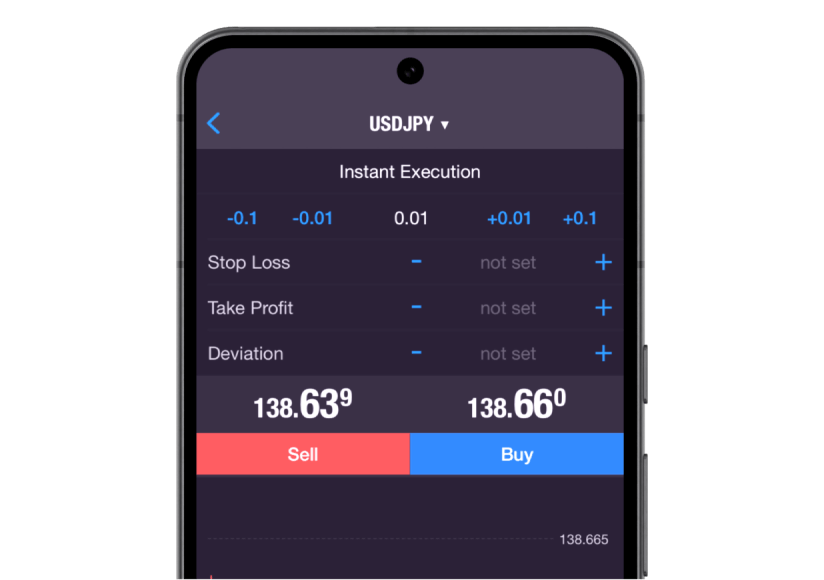
Traders can execute all order types and execution modes, access their trade history and get full access to advanced charting facilities and historical data.
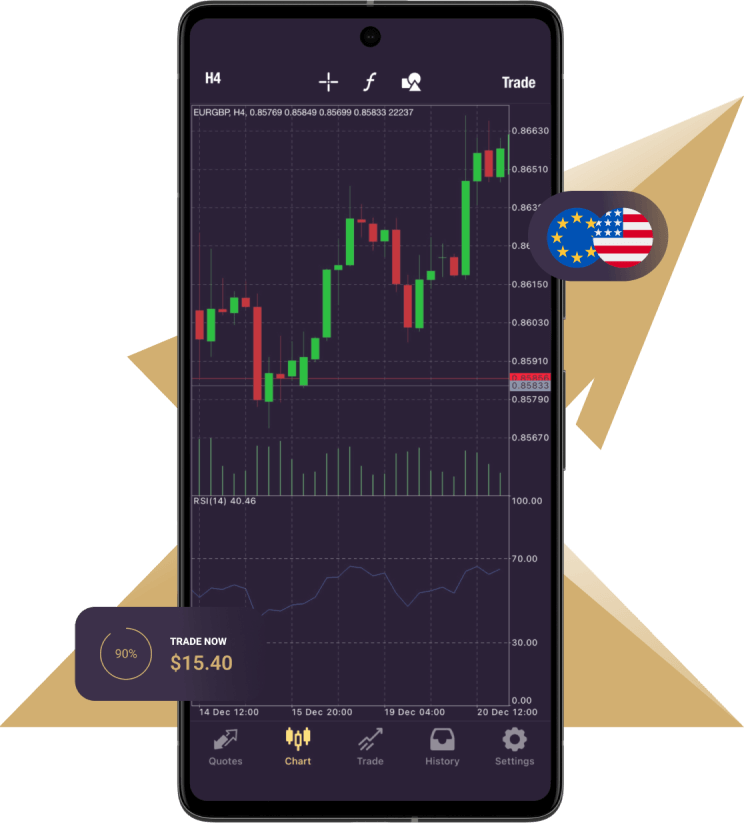
3 types of charts are available on the mobile version:
Bars
Japanische Kerzenständer
Unterbrochene Linie
9 Zeitrahmen: von einer Minute bis zu einem Monat
In addition, there are 30 technical indicators and you are able to open 10 windows simultaneously, each with indicators, increasing analytical capabilities.
Diese Funktion bietet einen umfassenden Überblick und hilft Ihnen, Ihre Handelsstrategie präzise umzusetzen.
Furthermore, the mobile platform provides a series of 24 analytical objects, including lines, channels, and geometric shapes; Gann, Fibonacci and Elliott tools will help you gain greater precision with any instruments you are trading. Moreover, you can stay updated with financial markets news and engage in free mobile chat and email to communicate with other traders.
Mobile trading provides a convenient way to access your trading account anytime, anywhere. The MT4 for Android mobile trading platform offers seamless access to your account while you’re on the go.
With MT4 for Android, you can access all the essential tools you need to conduct effective technical analysis, such as trend indicators, oscillators, and volatility measures, all conveniently accessible directly within the chart. Trade Forex effortlessly using your Android smartphone or tablet and discover the exceptional features of MT4.
MT4 for Android – Features
Vollständige Kontrolle über ein Handelskonto
Verwalten Sie Aufträge, Positionen und Aktien online
Alle Auftragsarten und Ausführungsmodi
Verfolgen Sie die Preise von Finanzinstrumenten und Devisenkursen
3 Arten von Diagrammen: Balken, japanische Leuchter und gestrichelte Linien
30 technische Indikatoren
24 analytische Objekte
How to log in to MT4 for Android
Laden Sie die MT4-Plattform für Android herunter und installieren Sie sie.
Geben Sie Ihre Anmeldedaten für das Echt- oder Demokonto (Benutzername und Passwort) ein, die Sie von Xlence in Ihrer Willkommens-E-Mail erhalten haben.
Diese Website richtet sich nicht an im Vereinigten Königreich ansässige Personen und ist weder an den MiFID II-Rechtsrahmen noch an die im Handbuch der britischen Finanzaufsichtsbehörde (Financial Conduct Authority) festgelegten Regeln, Leitlinien und Schutzmaßnahmen gebunden.
Wenn Sie weiterhin Zugang zu Xlence wünschen, klicken Sie bitte unten.