Download MetaTrader 5 on
your Mac and start trading

Download
MetaTrader 5
on
your Mac and start trading

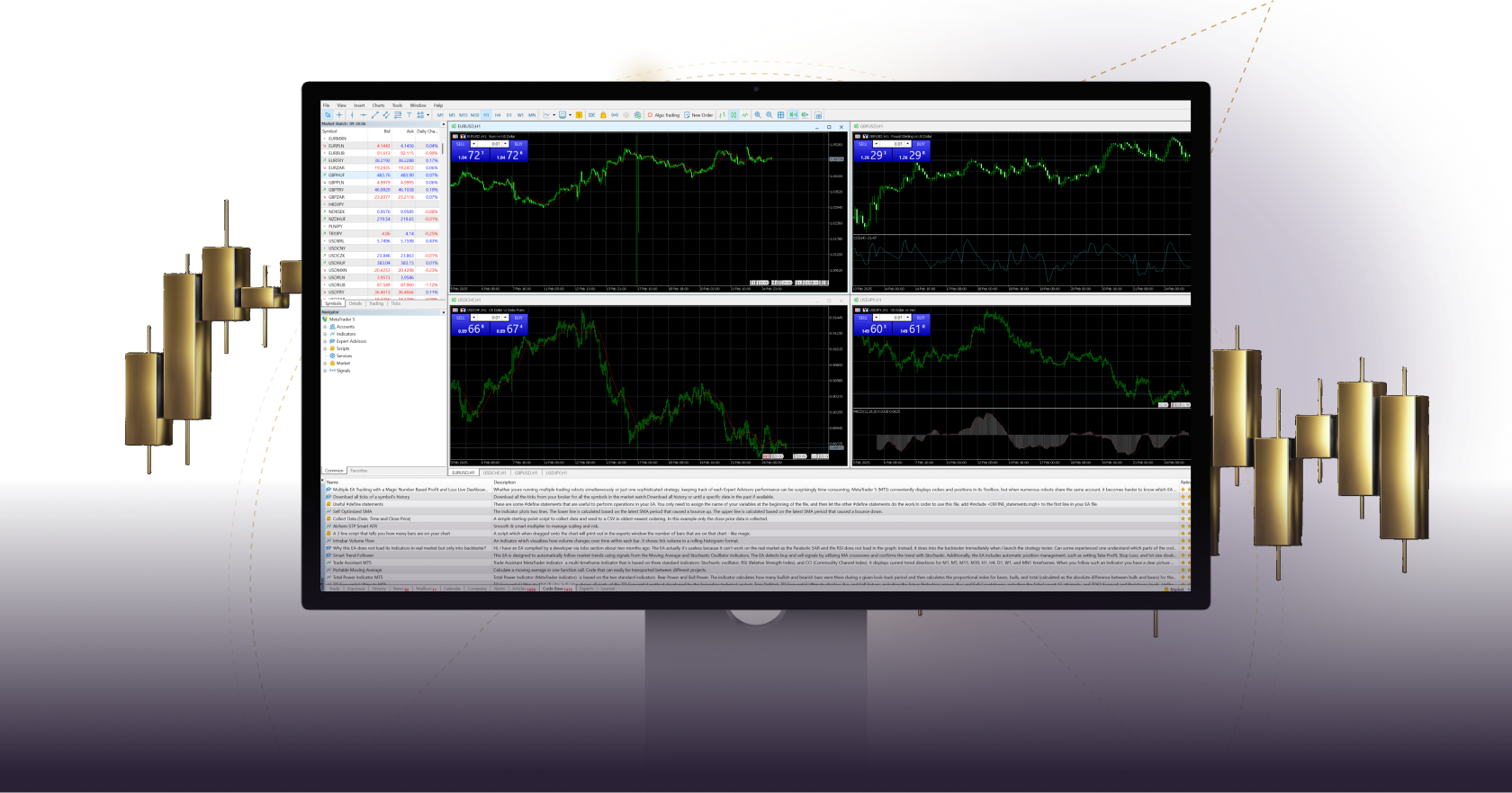
A computer screen showing a trading chart on MT5 for MacOS, featuring various market indicators and price movements.

Trade forex, stocks and futures directly on your Mac and enjoy MT5’s rich trading functionality, technical and fundamental market analysis, and automated trading.

User-friendly and with advanced features, MT5 allows you to run EAs and explore 3rd party applications with ease.

Experience fast execution speed and excellent trading conditions on our MetaTrader 5 platform, exclusively for Mac.

All trading involves risk. It is possible to lose all your capital.

Trade Forex, stocks and futures on your Mac with MT5

MetaTrader 5 for Apple Mac offers the same functionally afforded to PC users.

As a Mac user, you can install and run EAs, access an unlimited number of charts and keep track of important events with trade alerts so you can never miss a single trading opportunity.

DAX trading screen on MT5 for MacOS, featuring forex market trends and trading tools.

MT5 for Mac: An all-in-one platform

Three shapes in a white and gold logo, associated with MT5 Windows trading

Full set of trading orders for forex, stocks and futures trading

Logo in white and gold with a line of dots, associated with MT5 Windows for organizing economic events.

Two position accounting systems: netting and hedging

A fluctuating line graph displayed on MT5 Windows, illustrating potential long and short trading opportunities.

21 timeframes

Abstract graphic with a central gold circle and dotted arrows radiating outward, representing expansion and distribution of metals.

80 built-in technical indicators and analytical tools

A circular icon featuring a check mark, indicating a successful action in the MT5 Windows application.

Powerful algorithmic trading

How to log in to MT5 for macOS

Stylized number one with a solid gold shape and a dotted outline, symbolizing ranking, performance, and leading shares

Download and install the MT5 trading platform for MacOS.

A white square featuring the number two, representing shares.

Select Xlence as your broker.

A stylized number three in white and gold, surrounded by a circle, indicating shares

Enter your real or demo account login credentials (username and password) provided by Xlence in your welcome email.

Stylized number four with a gold overlay and dotted outline, representing analysis and categorization of shares.

Start trading.

Thank you for visiting Xlence!

This website is not intended for UK residents, nor is it bound by the MiFID II regulatory framework or by the rules, guidance and protections set out in the UK Financial Conduct Authority Handbook.

If you still wish to access Xlence, please click below.

Thank you for visiting Xlence!

This website is not aimed at individuals residing in the EU and is not subject to European and MiFID II regulations.

If you still want to proceed to Xlence, please click below.

This site is registered on wpml.org as a development site. Switch to a production site key to remove this banner.