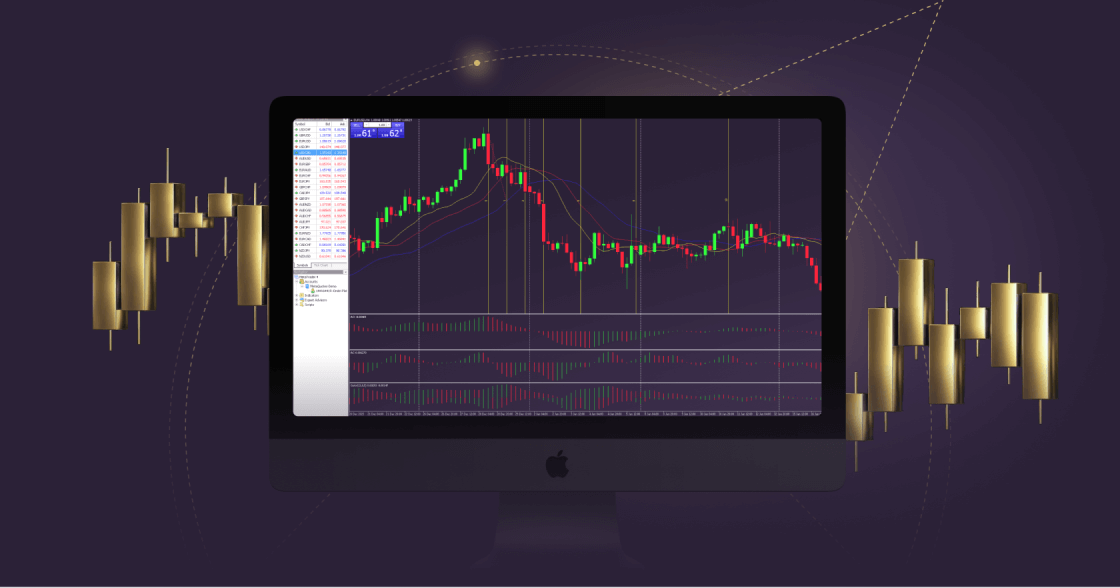
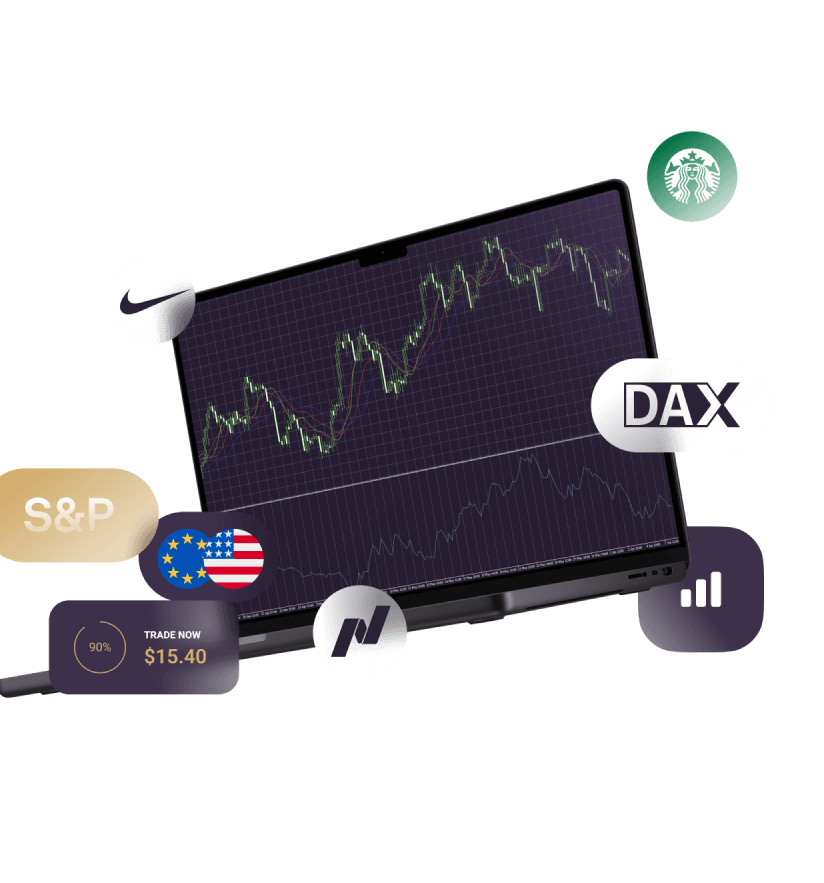
Trade on MetaTrader 4 directly via your Mac

Unlock the full functionality and features of MT4 directly on your Mac device. Experience seamless trading with no requotes and flexible leverage options.

User-friendly with an advanced infrastructure, such as charts, alerts and analysis tools for a comprehensive trading experience.

All trading involves risk. It is possible to lose all your capital.

Explore financial opportunities with MT4

The forex market has experienced an increase in online trading, becoming one of the largest and most popular global financial markets.

A new generation of traders is leveraging the potential of the forex market’s volatility, deep liquidity and flexible leverage. With the rise of online trading, trading platforms play a pivotal role, enabling beginners to enter forex trading.

MetaTrader 4 has long held its position as the most widely used trading platform for forex and various financial instruments such as CFDs, futures, indices, and commodities. The platform seamlessly integrates with Expert Advisors (EA), allowing traders to automate trading through algorithmic trading programs within the MT4 platform.

MT4 for Mac - Features

Three distinct candlesticks in various colors on a white background, symbolizing futures and shares

Manage orders, positions and equity online

A circular shape with a central dot and line marker, symbolizing indices in data visualization with insights from the TC Economic Calendar and TC Technical Views.

Track prices of financial instruments and forex rates in real-time

A fluctuating line graph from MetaTrader 4 android, showing variable trends in data over time.

Activity reports

Circle featuring a gear and a star, representing MetaTrader 5's customizable interface and cross-platform capabilities.

Permitted automated strategies

Built-in ability to use EAs (Expert Advisors)

How to log in to MT4 for MacOS

Stylized number one with a solid gold shape and a dotted outline, symbolizing ranking, performance, and leading shares

Download and install the MT4 trading platform for MacOS.

A stylized number three in white and gold, surrounded by a circle, indicating shares

Enter your real or demo account login credentials (username and password) provided by Xlence in your welcome email.

Stylized number four with a gold overlay and dotted outline, representing analysis and categorization of shares.

Start trading.

For more information on the MT4 platform for macOS, visit our FAQ page.
White and gold light bulb icon on a white background, representing the MetaTrader 4 iOS guide.

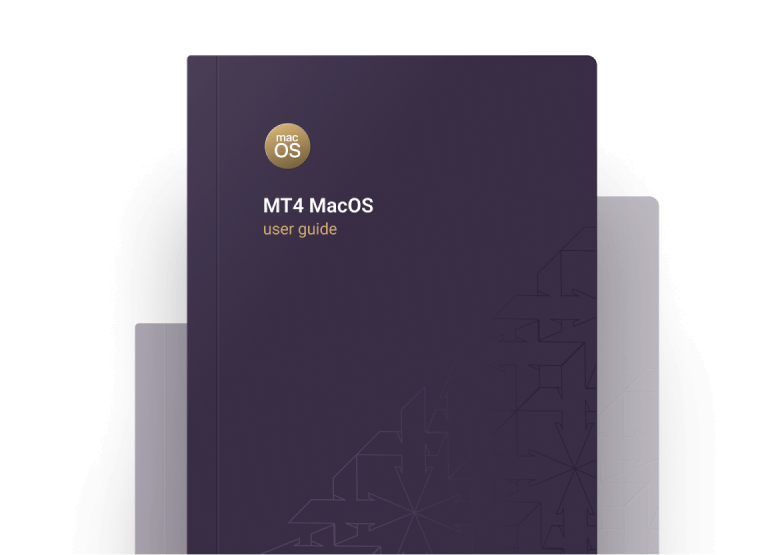
User guide for MT4 MacOS

Read the user guide for instructions on downloading, installing and using the MT4 trading platform for macOS.

Purple book with a gold logo, titled "MetaTrader 4 macOS User Guide."
Thank you for visiting Xlence!

This website is not intended for UK residents, nor is it bound by the MiFID II regulatory framework or by the rules, guidance and protections set out in the UK Financial Conduct Authority Handbook.

If you still wish to access Xlence, please click below.

Thank you for visiting Xlence!

This website is not aimed at individuals residing in the EU and is not subject to European and MiFID II regulations.

If you still want to proceed to Xlence, please click below.

This site is registered on wpml.org as a development site. Switch to a production site key to remove this banner.