Trade with the leading MT4 Platform

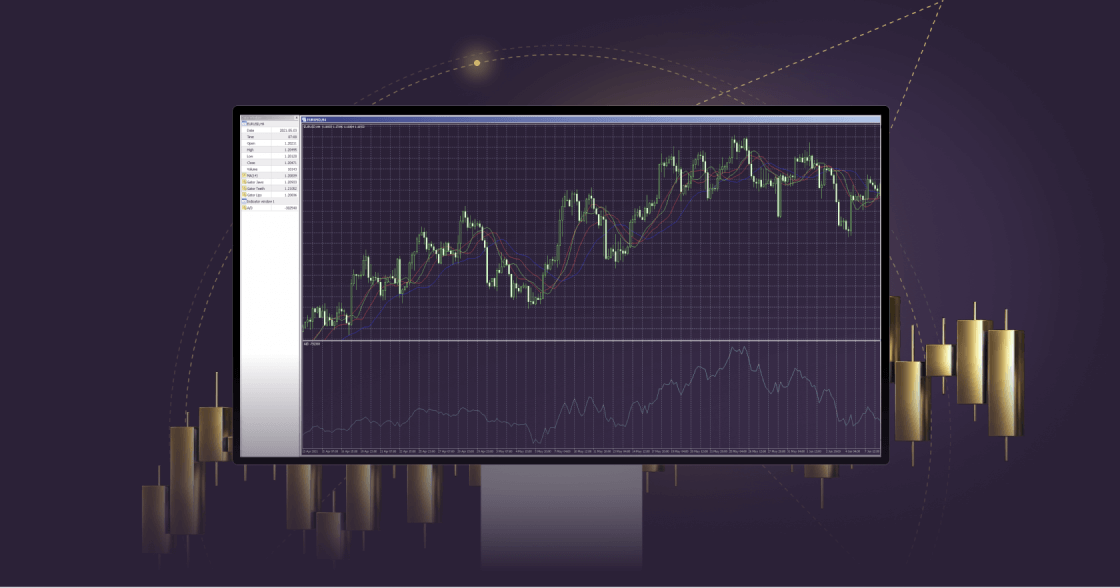
The MetaTrader 4 (MT4) trading platform is a popular choice among traders, renowned for its reliability.

With a user-friendly interface, advanced charting tools and real-time streaming news, MT4 offers seamless access to the markets.

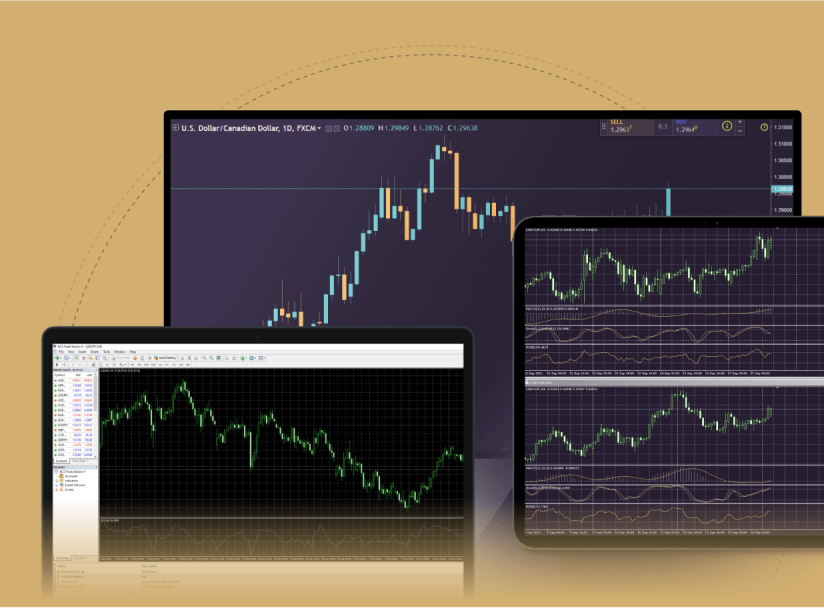
Compatible across various devices, including Windows, macOS, iPhone/iPad, Android and any internet browser, MT4 guarantees flexibility and accessibility for traders of all skill levels.

All trading involves risk. It is possible to lose all your capital.

MetaTrader 4 for Windows

MT4 for Windows provides traders with a variety of tools and features for analysis and customisation of their trading journey.

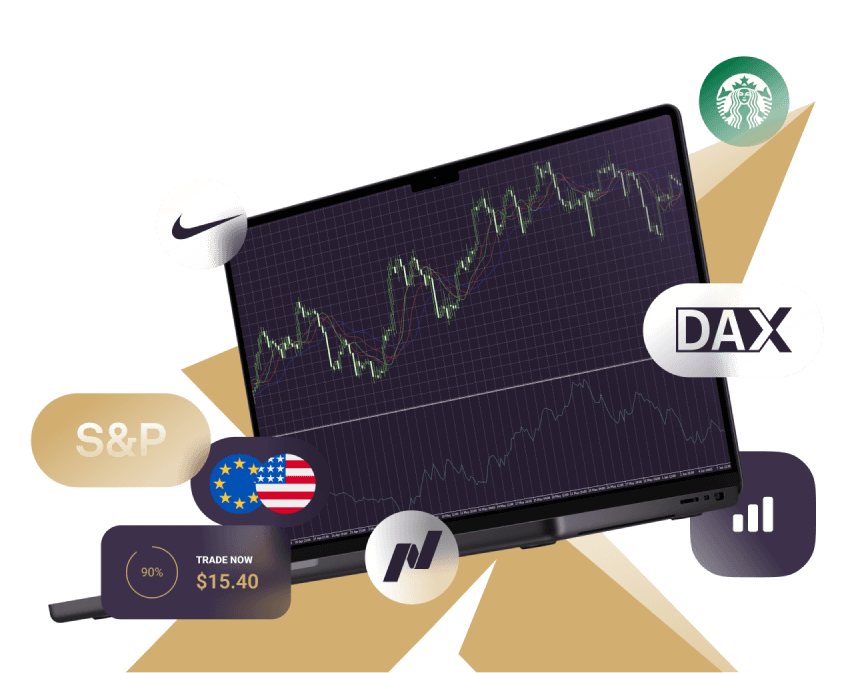
In addition, these tools enable you to develop trading algorithms for automated trading. You can access 300+ financial instruments, including CFDs on Forex, metals, futures, shares, indices and commodities, directly from your desktop with MT4.

Three monitors featuring different trading indicators, illustrating the WebTrader interface for traders.

Features of MT4 Windows

Three distinct candlesticks in various colors on a white background, symbolizing futures and shares

Manage orders, positions and equity online

Circle featuring a gear and a star, representing MetaTrader 5's customizable interface and cross-platform capabilities.

All order types and execution modes

A circular shape with a central dot and line marker, symbolizing indices in data visualization with insights from the TC Economic Calendar and TC Technical Views.

Track prices of financial instruments and forex rates in real-time

A fluctuating line graph from MetaTrader 4 android, showing variable trends in data over time.

Advanced charting and indicators

A white button with a gold icon, labeled for MT5 iOS and MetaTrader 4 news, highlighting access to the TC Economic Calendar.

Online streaming news

Circle featuring a check mark, enclosed by a larger circle, indicating a successful action in MetaTrader 4.

Explanatory Activity Reports

How to log in to MT4 Windows

Stylized number one with a solid gold shape and a dotted outline, symbolizing ranking, performance, and leading shares

Download and install the MT4 for Windows platform.

A stylized number three in white and gold, surrounded by a circle, indicating shares

Select Xlence as your broker.

Stylized number four with a gold overlay and dotted outline, representing analysis and categorization of shares.

Enter your real or demo account login credentials (username and password) provided by Xlence in your welcome email.

The number five featured on a white background, symbolizing MetaTrader 5 for Android platforms.

Start trading.

For more information on the MT4 platform for Windows, visit our FAQ page.
White and gold light bulb icon on a white background, representing the MetaTrader 4 iOS guide.

MT4 Windows user guide

If you have any issues with downloading the platform, please check our MT4 user guide for Windows.

Why trade on Xlence’s MetaTrader 4?

MetaTrader 4 stands as the world’s most popular trading platform due to its user-friendly interface and extensive range of features.

Xlence’s MetaTrader 4 trading platform offers optimal trading conditions as well as mobile trading to stay connected to the markets anytime, anywhere.

All trading involves risk. It is possible to lose all your capital.
Thank you for visiting Xlence!

This website is not intended for UK residents, nor is it bound by the MiFID II regulatory framework or by the rules, guidance and protections set out in the UK Financial Conduct Authority Handbook.

If you still wish to access Xlence, please click below.

Thank you for visiting Xlence!

This website is not aimed at individuals residing in the EU and is not subject to European and MiFID II regulations.

If you still want to proceed to Xlence, please click below.

This site is registered on wpml.org as a development site. Switch to a production site key to remove this banner.