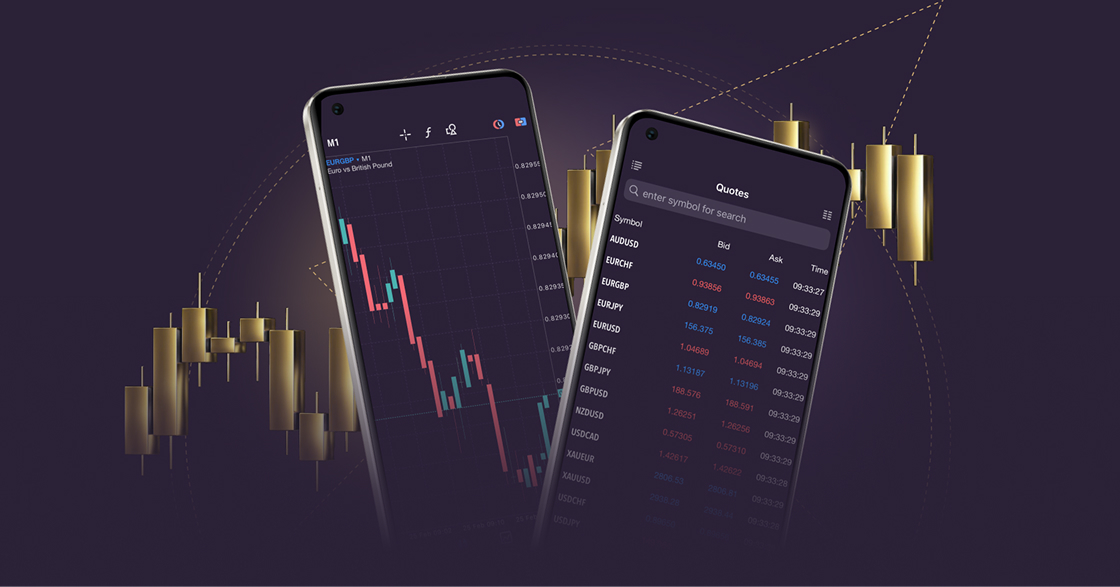
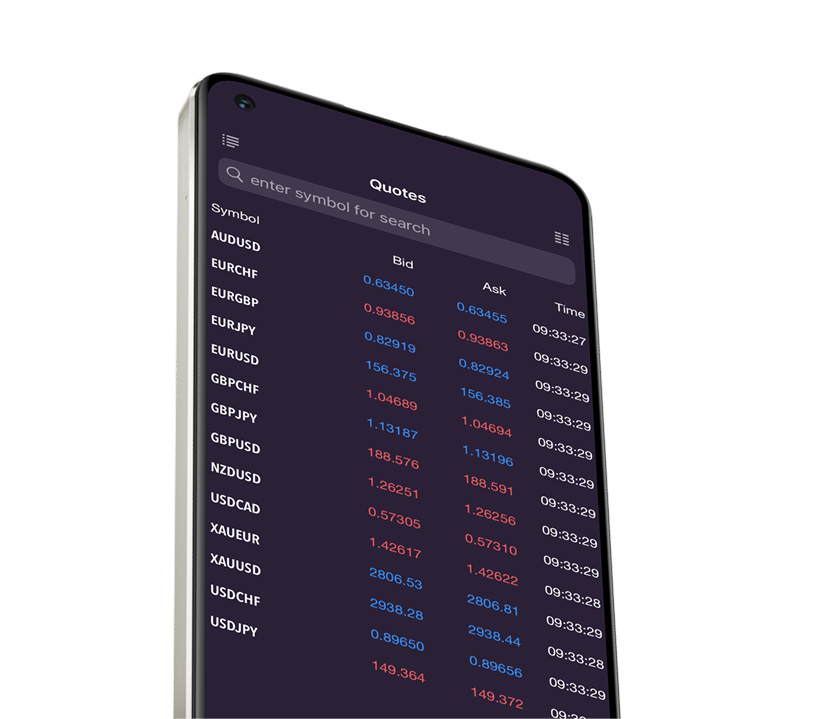
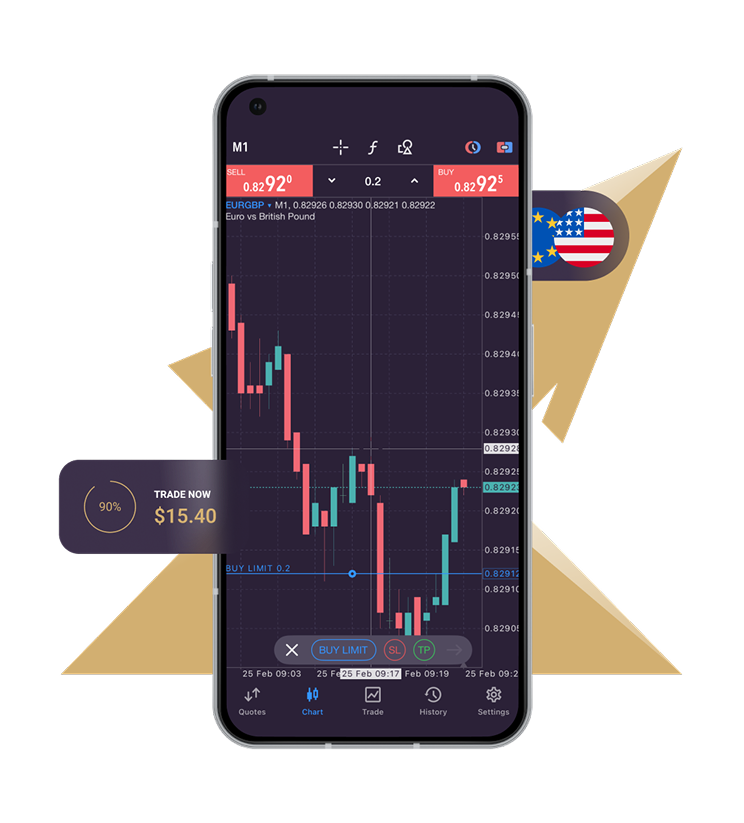
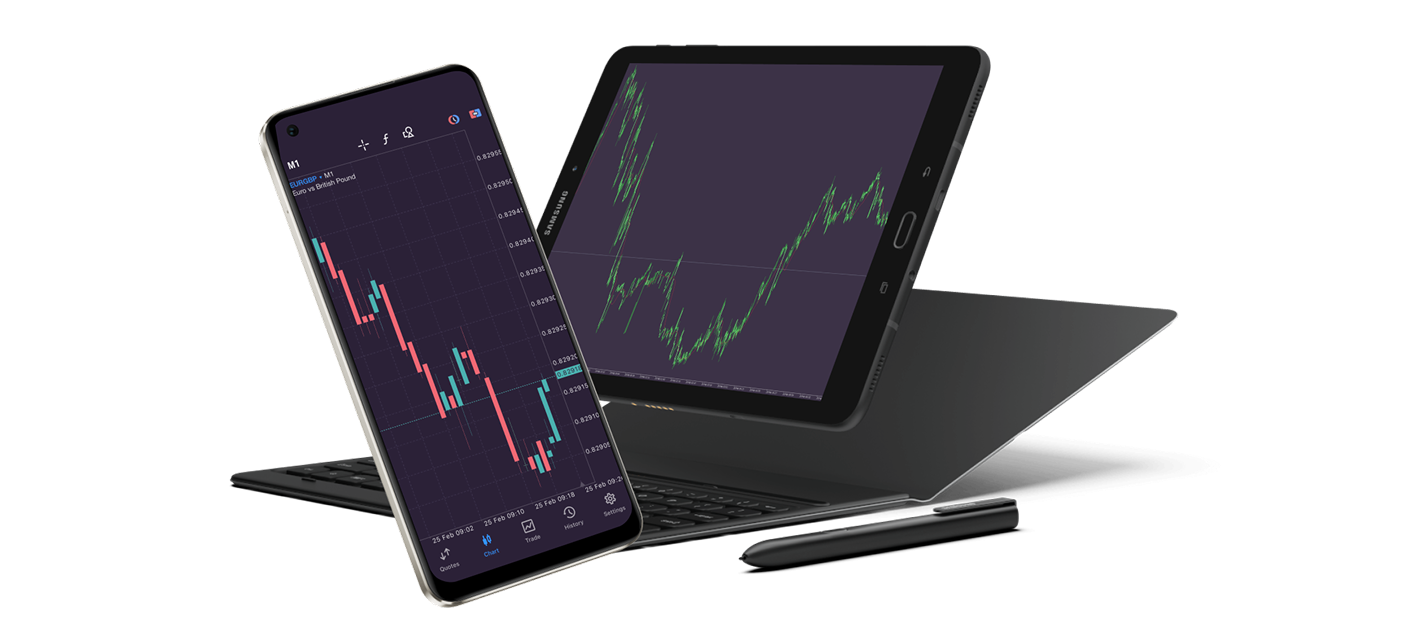
With MetaTrader 5 for Android, you can access real-time financial markets via your smartphone or tablet wherever you are.
Trade different assets like forex, stocks, futures, and CFDs on one system using advanced trading tools and an intuitive interface for maximum convenience.
Explore the full capabilities of MT5 on Android by downloading it now from Google Play.
All trading involves risk. It is possible to lose all your capital.
Trade anytime, anywhere with MT5 on Android
With mobile trading on MT5, you have the convenience of trading 24/5, no matter where you are.
The MT5 platform offers advanced functionalities and features, faster processing times, and the latest tools for a better trading experience.
3 chart types
Sequence of bars
Japanese Candlesticks
Broken line
50+ analytical tools
MT5 for Android also offers professional technical analysis, including 30 popular indicators such as trend, volume, oscillators, and Bill Williams’ indicators.
It also features 24 graphical objects, including lines, channels, geometric shapes, and Gann, Fibonacci and Elliot tools. These objects can be applied to price charts individually or combined with other tools.
MT5 app extras
The MT5 app for Android offers extra features, such as free financial news, chat with other traders, push notifications from the desktop platform and MQL5.community services.
Experience powerful trading with MetaTrader 5 for Android
Mobile trading provides seamless access to your trading account while you’re on the go.
MT5 for Android provides all the tools you need for in-depth analysis of currency and stock prices, as well as futures quotes. Trade stocks, futures contracts, and CFDs seamlessly from your Android smartphone or tablet and experience the powerful features of MT5.
MT5 for Android – Features
Trade multiple assets
Forex, stocks, and futures on one secure system
Two-position accounting systems
Netting and hedging
Powerful trading system
Market Depth and all trading operation types
All order types
Pending, stop-orders and more
9 timeframes
From one-minute to one-month
Built-in technical analysis tools
30 indicators and 24 analytical objects
Integrated market resources
Real-time financial news and market data
Integrated chat feature
Ability to send instant messages on MQL5.community
How to log in to MT5 for Android
Download and install the MT5 for Android platform.
Enter your real or demo account login credentials (username and password) provided by Xlence in your welcome email.
Start trading.
Thank you for visiting Xlence!
This website is not intended for UK residents, nor is it bound by the MiFID II regulatory framework or by the rules, guidance and protections set out in the UK Financial Conduct Authority Handbook.
If you still wish to access Xlence, please click below.