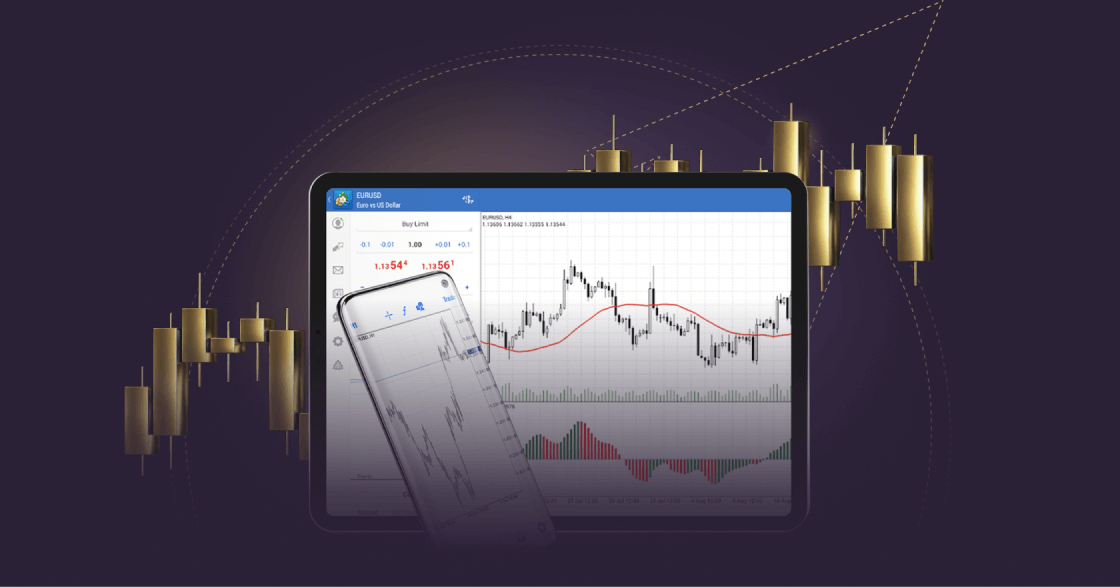
As mobile apps become increasingly popular for managing online financial activities, traders and investors are choosing to execute trades via their mobiles.
MetaTrader 4 on mobile is more convenient, offering traders real-time access to the financial markets on the go.
With MT4 for Android, traders can trade forex wherever they are and enjoy cutting-edge trading tools and a user-friendly interface on their Android devices. Explore the features of MT4 on Android by downloading it now from Google Play.
Tout trading comporte des risques. Il est possible de perdre tout votre capital.
Pourquoi choisir MT4 pour Android ?
Le trading mobile sur MT4 permet aux traders d’avoir un contrôle total sur leur compte de trading, ce qui leur permet de trader de n’importe où 24h/24 et 5j/5.
With MT4 for Android, forex traders can keep track of the markets from their mobiles, no matter where they are.
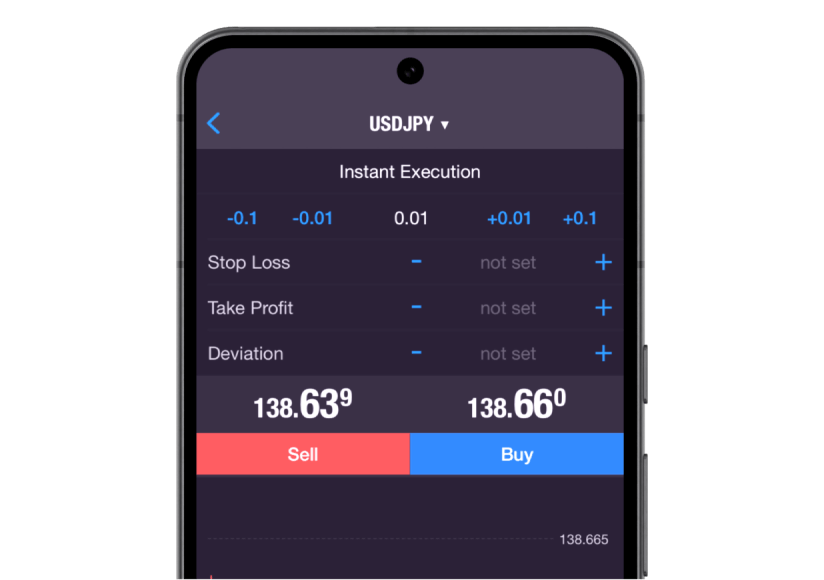
Traders can execute all order types and execution modes, access their trade history and get full access to advanced charting facilities and historical data.
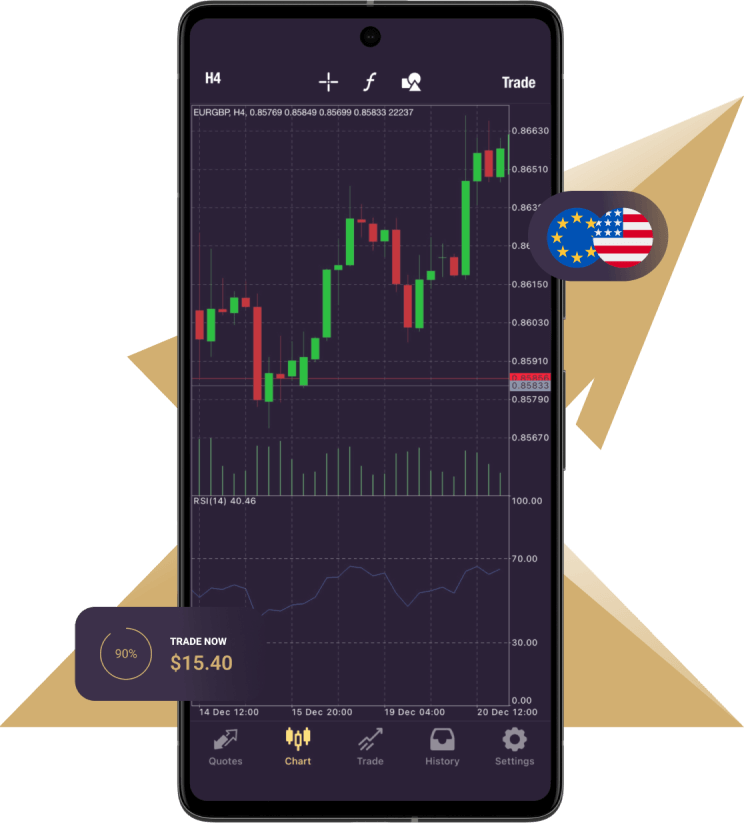
3 types of charts are available on the mobile version:
Bars
Chandeliers japonais
Ligne brisée
9 délais : d’une minute à un mois
In addition, there are 30 technical indicators and you are able to open 10 windows simultaneously, each with indicators, increasing analytical capabilities.
Cette fonctionnalité fournit une vue complète, vous aidant à mettre en œuvre votre stratégie de trading avec précision.
Furthermore, the mobile platform provides a series of 24 analytical objects, including lines, channels, and geometric shapes; Gann, Fibonacci and Elliott tools will help you gain greater precision with any instruments you are trading. Moreover, you can stay updated with financial markets news and engage in free mobile chat and email to communicate with other traders.
Mobile trading provides a convenient way to access your trading account anytime, anywhere. The MT4 for Android mobile trading platform offers seamless access to your account while you’re on the go.
With MT4 for Android, you can access all the essential tools you need to conduct effective technical analysis, such as trend indicators, oscillators, and volatility measures, all conveniently accessible directly within the chart. Trade Forex effortlessly using your Android smartphone or tablet and discover the exceptional features of MT4.
MT4 for Android – Features
Contrôle total d’un compte de trading
Gérez les ordres, les positions et les actions en ligne
Tous les types d’ordres et modes d’exécution
Suivre les cours des instruments financiers et les taux de change
3 types de graphiques : barres, chandeliers japonais et ligne brisée
30 indicateurs techniques
24 objets analytiques
How to log in to MT4 for Android
Téléchargez et installez la plate-forme MT4 pour Android.
Connectez-vous avec un compte existant ou créez un nouveau compte.
Entrez vos identifiants de connexion au compte réel ou de démonstration (nom d'utilisateur et mot de passe) fournis par Xlence dans votre e-mail de bienvenue.
Ce site n’est pas destiné aux résidents du Royaume-Uni et n’est pas lié au cadre réglementaire MiFID II ni aux règles, orientations et protections énoncées dans le manuel de l’autorité de conduite financière du Royaume-Uni (Financial Conduct Authority Handbook).
Si vous souhaitez toujours accéder à Xlence, veuillez cliquer ci-dessous.