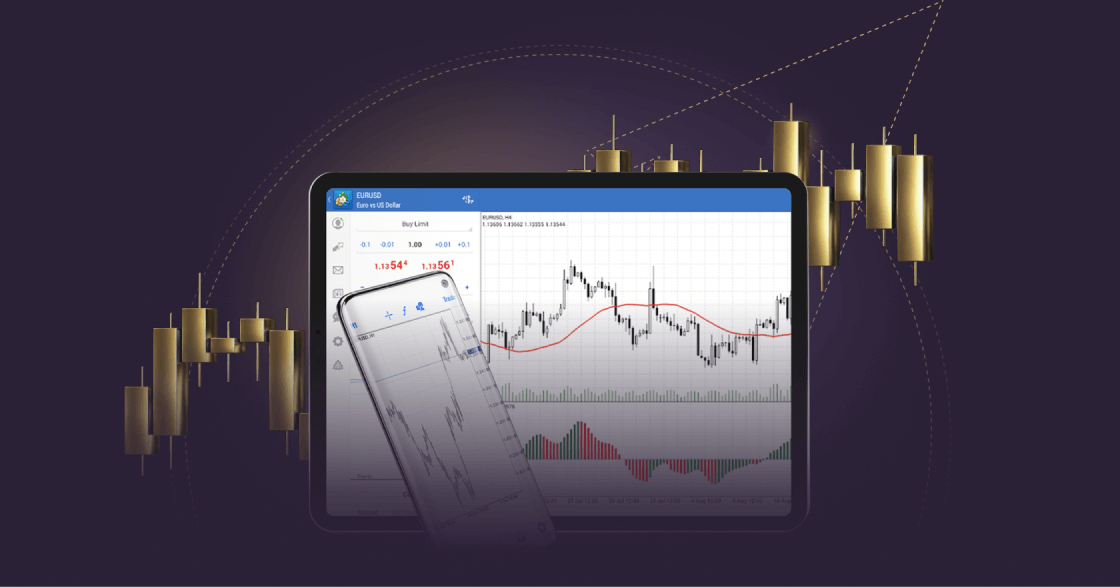
As mobile apps become increasingly popular for managing online financial activities, traders and investors are choosing to execute trades via their mobiles.
MetaTrader 4 on mobile is more convenient, offering traders real-time access to the financial markets on the go.
With MT4 for Android, traders can trade forex wherever they are and enjoy cutting-edge trading tools and a user-friendly interface on their Android devices. Explore the features of MT4 on Android by downloading it now from Google Play.
Existem riscos associados ao trading. É possível perder todo o seu capital.
Porquê escolher o MT4 para Android?
A negociação móvel em MT4 permite que os negociadores tenham controlo total sobre a sua conta de negociação, permitindo-lhes negociar a partir de qualquer lugar 24/5.
With MT4 for Android, forex traders can keep track of the markets from their mobiles, no matter where they are.
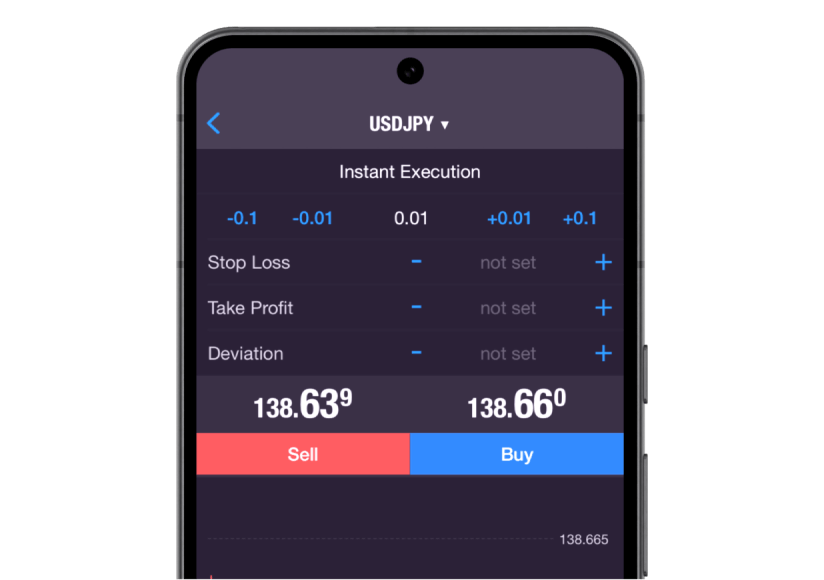
Traders can execute all order types and execution modes, access their trade history and get full access to advanced charting facilities and historical data.
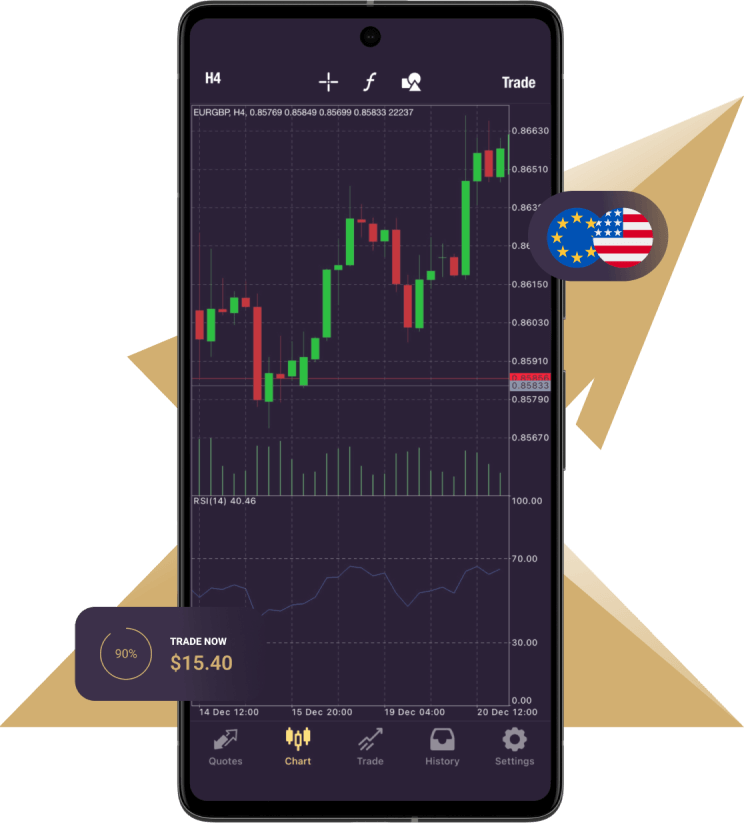
3 types of charts are available on the mobile version:
Bares
Castiçais japoneses
Linha quebrada
9 períodos de tempo: de um minuto a um mês
In addition, there are 30 technical indicators and you are able to open 10 windows simultaneously, each with indicators, increasing analytical capabilities.
Esta funcionalidade proporciona uma visão abrangente, ajudando-o a implementar a sua estratégia de negociação com precisão.
Furthermore, the mobile platform provides a series of 24 analytical objects, including lines, channels, and geometric shapes; Gann, Fibonacci and Elliott tools will help you gain greater precision with any instruments you are trading. Moreover, you can stay updated with financial markets news and engage in free mobile chat and email to communicate with other traders.
Mobile trading provides a convenient way to access your trading account anytime, anywhere. The MT4 for Android mobile trading platform offers seamless access to your account while you’re on the go.
With MT4 for Android, you can access all the essential tools you need to conduct effective technical analysis, such as trend indicators, oscillators, and volatility measures, all conveniently accessible directly within the chart. Trade Forex effortlessly using your Android smartphone or tablet and discover the exceptional features of MT4.
MT4 for Android – Features
Controlo total sobre uma conta de negociação
Gerir ordens, posições e acções em linha
Todos os tipos de ordens e modos de execução
Acompanhar os preços dos instrumentos financeiros e as taxas de câmbio
3 tipos de gráficos: barras, velas japonesas e linha quebrada
30 indicadores técnicos
24 objectos analíticos
How to log in to MT4 for Android
Descarregue e instale a plataforma MT4 para Android.
Introduza os dados de login da sua conta real ou de demonstração (nome de utilizador e palavra-passe) fornecidos pela Xlence no seu e-mail de boas-vindas.
Este sítio Web não se destina a residentes no Reino Unido, nem está vinculado ao quadro regulamentar da MiFID II ou às regras, orientações e protecções estabelecidas no Manual da Autoridade de Conduta Financeira do Reino Unido.
Se ainda desejar aceder à Xlence, clique em baixo.